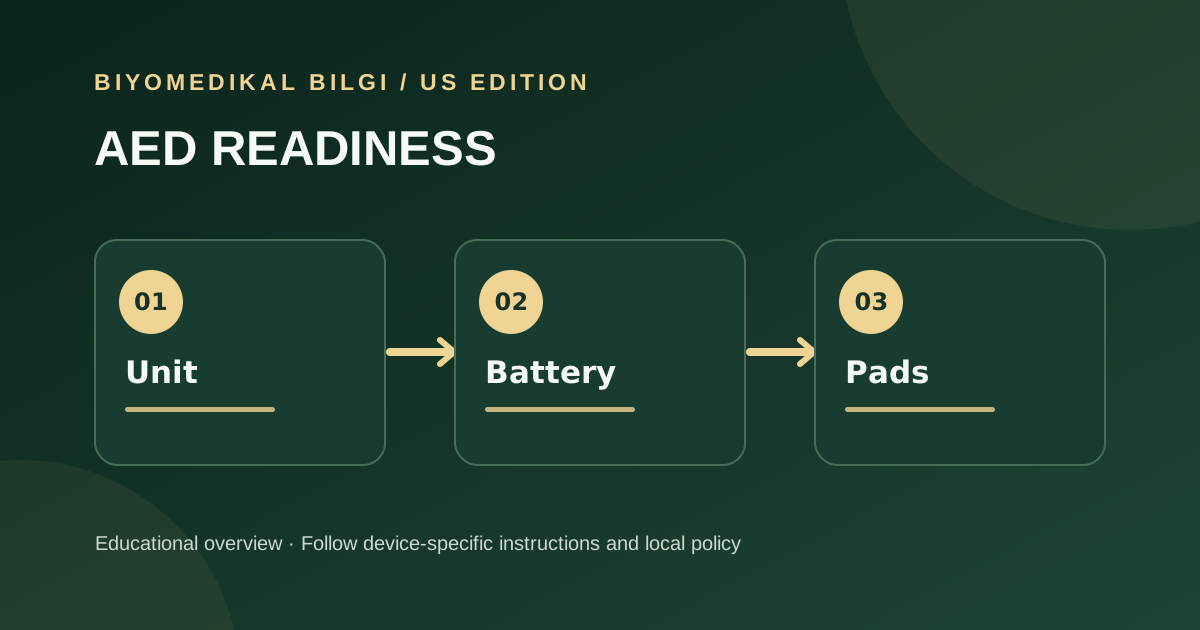
An automated external defibrillator (AED) is only useful when its unit and accessories are ready. Facility teams should track the device, battery, pads, status indicator, location, and manufacturer instructions, with a clear response when a readiness check fails.
Know what the AED system includes
The FDA describes AEDs as computerized defibrillators that analyze heart rhythm and, when appropriate, deliver a shock. The system includes accessories such as batteries and electrode pads. An inspection that checks the case but ignores accessories is incomplete.
Build a location-based check
Tie each AED to a visible location and asset record. Check the manufacturer’s readiness indicator and instructions, pad package condition and expiration, battery status, cabinet access, and any reported damage. Inspection frequency should follow the device instructions and facility program.
Respond to a failed check
A failed self-test, missing accessory, or expired pad should trigger the facility’s out-of-service or replacement process. Record what was found, who was notified, corrective action, and the date readiness was restored. The exact error response is model-specific.
Review approvals and field actions
FDA maintains information on approved AEDs and accessories and monitors their safety after marketing. A facility should match its model and accessories against manufacturer updates and applicable FDA safety information.
Practical decision aid
- At each assigned location, confirm that the unit is accessible and that its visible readiness indication matches the manufacturer’s instructions. Note any cabinet or signage problem separately.
- Track the specific battery and pad stock assigned to that AED, including expiration where applicable. A ready-looking unit with missing or expired accessories is not a complete ready system.
- After a failed check, record the temporary coverage plan, notification, corrective action, and final readiness verification under the facility’s process.
Primary sources
We reviewed the following original agency publications for this guide. Check the linked source for its latest version and any device-specific updates.
Educational technical information only. It does not replace a manufacturer service manual, hospital policy, regulatory advice, or a clinician’s judgment.
See an error? Request a correction.